AI Tools to Enhance Baby Photos
AI tools can make ordinary baby photos look professional without a studio. They fix issues like blur, add fun themes, and restore old pictures—all from your phone.
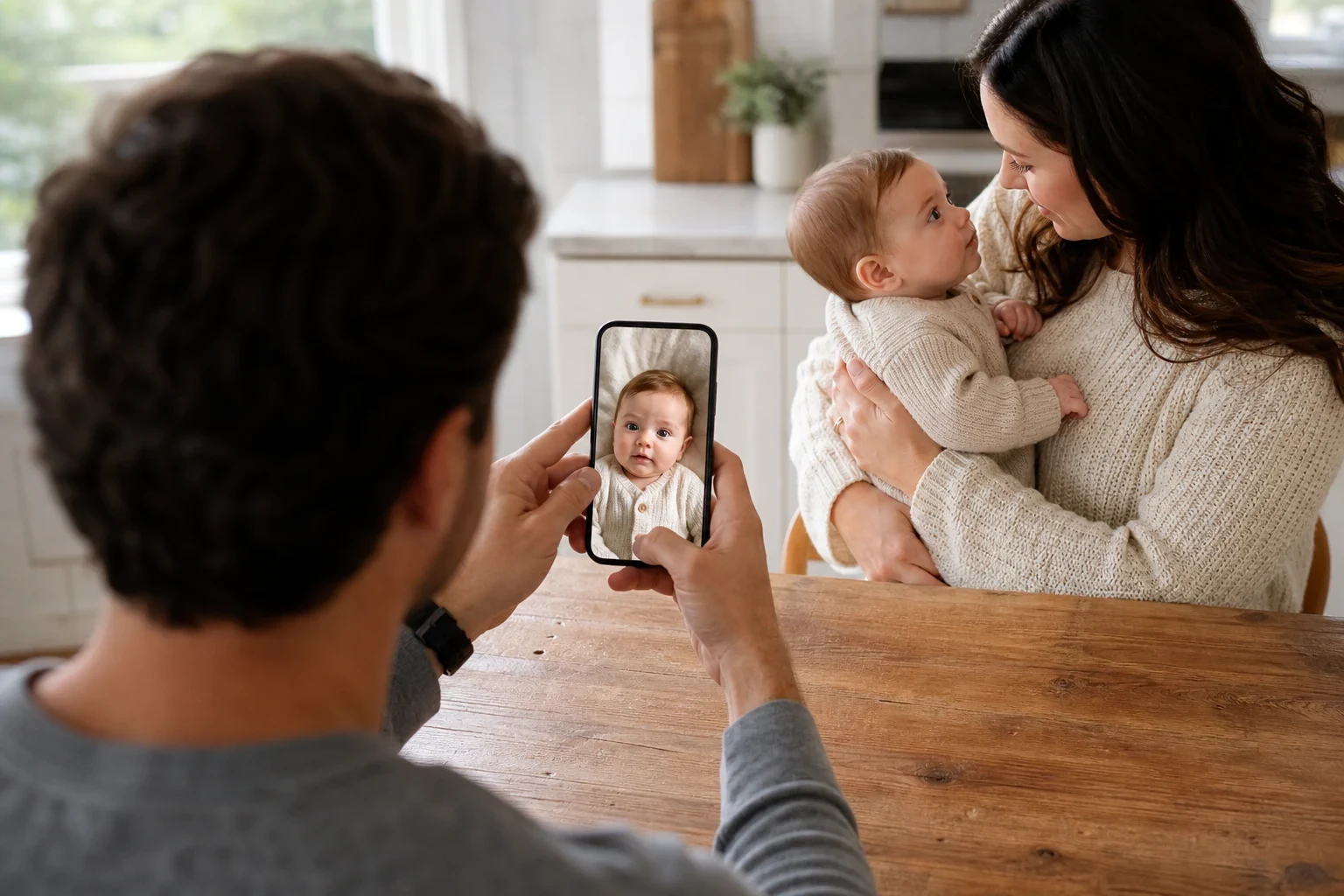
You don't need a studio setup to experiment with a different look for a baby photo. AI tools can create styled results from everyday phone pictures, giving you another way to preserve a favorite moment.
AI-Enhanced Baby Photos Without the Studio
Skip the expensive studio sessions
With AI tools, you can try creating a styled portrait at home. Upload your photos, choose a style, and review the generated result.
How AI makes your baby photos look professional
Family Pictures AI uses your uploaded photos to generate a styled portrait. Depending on the feature, that can mean a themed baby shoot or restoration for an older image. Results vary with the source photos, so start with clear images. Browse our AI baby photoshoot themes for inspiration.
Fix Common Photo Issues Automatically
Brighten dark or blurry baby photos
Dim lighting or a wiggly baby can result in less-than-perfect shots. AI tools can brighten dark images and reduce blur, ensuring every precious moment shines through clearly.
Clean up the background
A cluttered background can take the focus off your baby. AI simplifies the scene by removing distractions, leaving you with a clean, polished photo. For more advice, see our guide on DIY newborn photography.
Add Fun Themes and Styles
Turn regular photos into themed portraits
With AI, your baby's photos can transform into themed portraits, like woodland fairies or sleepy teddy bears—no props or costumes needed. Just choose a theme and watch the AI work. Peek at our woodland fairy baby photoshoot for a whimsical example.
Pick from holiday, fantasy, or classic styles
From seasonal holidays to timeless classics, there's a style to suit every taste. AI tools offer a wide range of themes. Discover how a cherry blossom newborn photoshoot can lend a soft, elegant touch to your baby's images.
Restore Old or Damaged Baby Pictures
Bring old photos back to life
Over time, baby photos can fade or suffer damage. AI tools can revive these memories by mending tears, removing stains, and rejuvenating colors. Learn how to restore old family photos with our step-by-step guide.
Add color to black-and-white baby photos
Give black-and-white baby pictures a fresh lease on life with color. AI examines the image and applies natural hues, bringing old photos to life. Test out our old photo restoration tool to see the transformation.
Ready to Try It?
Creating stunning baby photos has never been simpler. AI tools let you bypass the studio while still achieving pro-quality results. Sign up now to start enhancing your baby's photos today.
Frequently Asked Questions
Can AI really make my baby photos look professional?
Absolutely! AI enhances your baby's photos by adjusting lighting, sharpening details, and adding professional effects. While results vary, many parents are amazed at the improvement.
Do I need special equipment to use AI photo tools?
Not at all. Just upload photos from your phone, and the AI takes care of the rest. No professional equipment is necessary.
How does AI enhance blurry baby photos?
AI examines the blurry areas and uses algorithms to sharpen them and minimize fuzziness. It won't fix extreme blur, but it can significantly improve clarity.
Are there themed options for baby photos?
Definitely! Choose from themes like woodland fairy, sleepy teddy bear, and cherry blossom. These styles turn simple photos into enchanting portraits with no extra effort.
Can AI tools fix old or damaged baby pictures?
Yes, AI can repair tears, remove stains, and even colorize black-and-white photos. While severely damaged images may not be fully restored, the improvement is often substantial.
Is it easy to use AI tools for baby photos?
Yes, most AI tools are user-friendly. Upload your photos, select your desired adjustments, and the AI handles the rest. You'll typically see results in just a few minutes.