Best Ways to Preserve Old Family Photos Digitally
To preserve old family photos digitally, start by organizing and cleaning them, then choose a scanning method. Use AI tools to restore damage, and store the digital copies in cloud and physical backups for safekeeping.
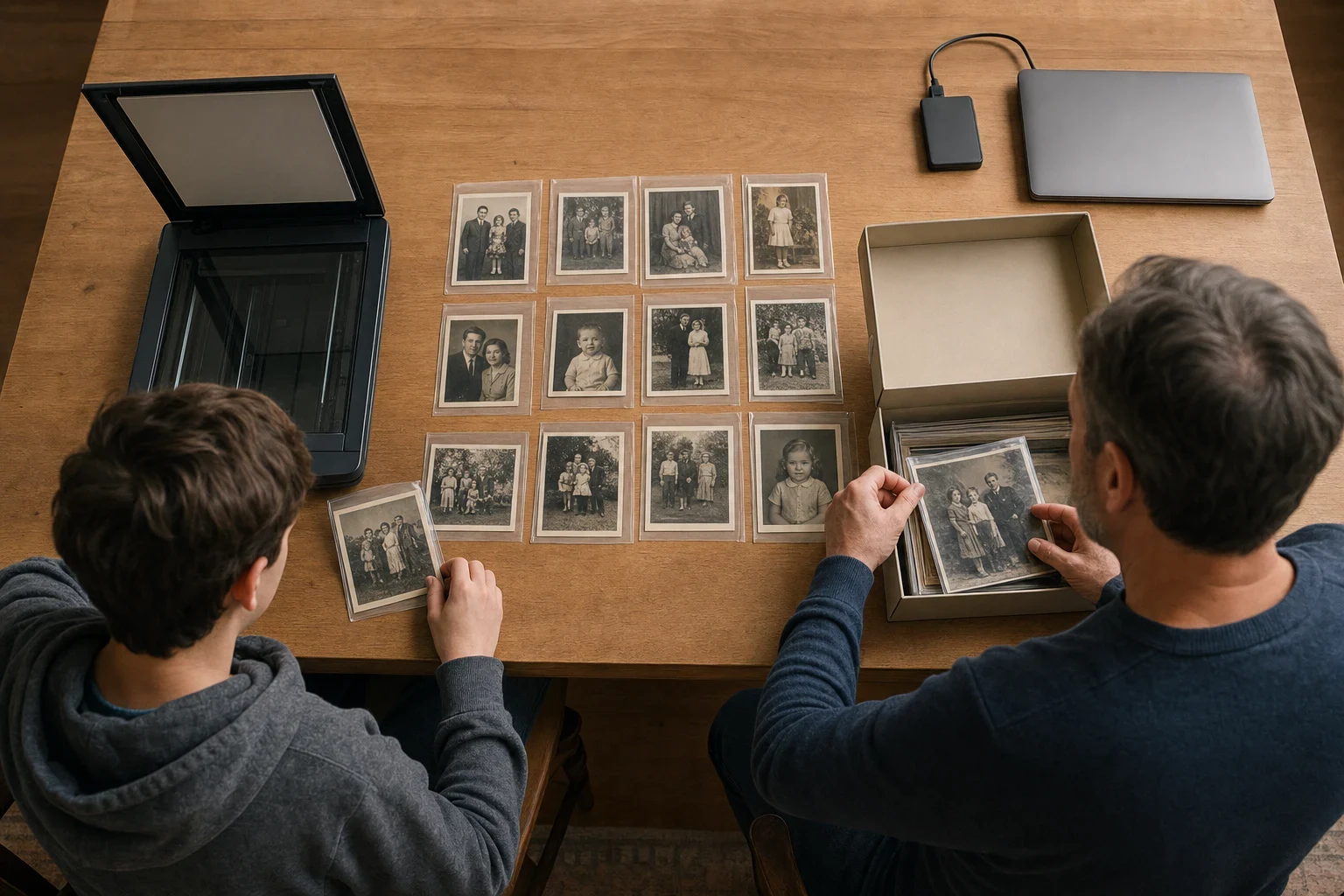
Digitizing old family photos safeguards them from physical wear and tear while making sharing a breeze. A step-by-step approach works wonders, whether you're tackling a single cherished snapshot or an entire album.
Gather and Organize Your Photos
Getting your photos in order before scanning simplifies the whole process.
Sort photos by date or event
Organizing photos by events or time periods keeps your family story coherent and makes finding specific shots easier down the line.
Remove any dust or debris
A soft, dry cloth is all you need to gently clean each photo. Avoid water or cleaners—they can do more harm than good.
Choose the Right Scanning Method
The method you choose impacts the quality of your digital copies.
Use a flatbed scanner for best quality
Flatbed scanners offer top-notch results, allowing you to tweak resolution and settings for digital photos that mirror the originals.
Consider a photo scanning service for bulk photos
If you've got a pile of photos, a professional service can be a time-saver. They handle scanning and basic restoration, though it might cost a bit more.
Digitally Restore Damaged Photos
Even the best-kept photos show their age over time. Digital restoration can breathe new life into them.
Use AI tools for easy restoration
AI tools automatically tackle fading, scratches, and tears. Our old photo restoration feature makes enhancing and colorizing black-and-white photos a snap.
Repair tears and colorize black-and-white photos
Some tools offer manual fixes for specific damage or let you add color to black-and-white photos, giving them a fresh look.
Store and Backup Your Digital Photos
Once your photos are digitized and restored, keeping them safe is key.
Use cloud storage for accessibility
Cloud services mean you can access your photos from anywhere while keeping them safe from disasters. Just make sure to choose a provider with strong security.
Create multiple backups on external drives
For added peace of mind, save copies on external hard drives or SSDs. Storing them in different locations guards against theft or damage.
Give Your Photos a New Life with Family Pictures AI
With your photos digitized and restored, there are endless ways to enjoy them. Family Pictures AI lets you transform photos into personalized storybooks or unique photo cards to share. Ready to dive in? Sign up today and bring your family memories into the digital age.
Frequently Asked Questions
How can I digitize old photos without a scanner?
Your smartphone paired with a photo scanning app works well. These apps adjust angles and lighting, making them a great alternative to scanners.
What’s the best way to clean old photos before scanning?
Use a soft, dry microfiber cloth to gently remove dust. Steer clear of liquids and abrasive tools—they can damage the photo.
Can AI really restore faded or damaged photos?
AI tools can enhance faded or damaged photos by repairing tears, sharpening details, and even colorizing black-and-white images. The outcome depends on the original photo's state.
How often should I backup my digital photo collection?
Aim to backup your photos at least once a year, or more frequently if you're adding new ones often. Keeping multiple backups in different places offers the best security.
Are there any free tools for photo restoration?
You'll find online tools that offer basic restoration for free, but they may limit resolution or the number of photos you can process. For higher quality, consider specialized services.
What’s the best format to save scanned photos in?
For archiving, TIFF or PNG are ideal since they preserve quality. JPEG is fine for sharing, but its compression can degrade quality over time.