How to Combine Photos of Family Members into One Picture
To combine photos of family members into one picture, gather clear, well-lit images with similar backgrounds and lighting. Use an AI-powered tool to upload, arrange, and blend the photos for a natural-looking family portrait. Adjust colors and lighting as needed before saving your final image.
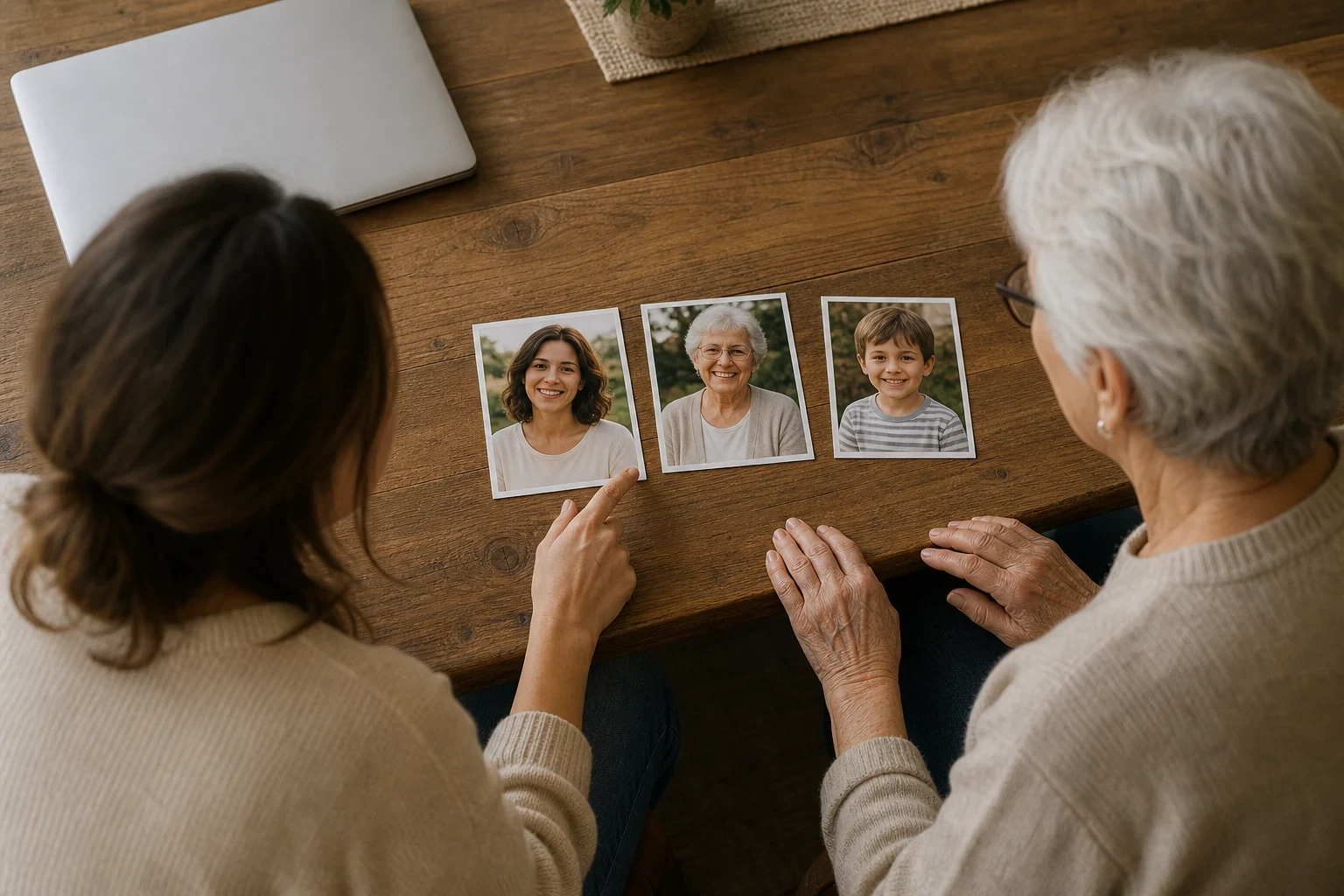
Combining photos of family members into one picture is a great way to create a cherished family portrait without needing everyone to be in the same place at the same time. You can bring together relatives from different locations or merge past and present images with the right tools and preparation. Here's how to do it step by step.
Gather Your Photos
Choose clear, well-lit photos
Start with high-quality images where each family member is clearly visible. Good lighting reduces shadows and makes blending easier. If you're working with old photos, consider using our old photo restoration tool to enhance their quality first.
Ensure similar backgrounds for easier blending
Photos with similar backgrounds blend better. If the backgrounds differ too much, the final image might look less natural. Aim for images where the lighting and background colors are as close as possible.
Pick photos with similar lighting conditions
Lighting plays a big role in how natural the combined photo will look. Try to select photos taken in similar lighting conditions to avoid noticeable differences in shadows and highlights.
Select the Right Tool
Use an AI-powered app for best results
AI tools can align and blend photos, saving you time. They handle tasks like matching skin tones and adjusting lighting, which can be tricky to do manually.
Look for features like automatic blending and alignment
A good tool will offer features that blend edges and align faces for a cohesive look. This is especially helpful if you're not experienced with photo editing.
Ensure the tool supports high-resolution images
High-resolution photos ensure your final portrait looks sharp and professional. Check that the tool you choose can handle the file sizes without compressing them too much.
Upload and Arrange Your Photos
Upload each family member's photo
Once you've selected your tool, upload each photo you want to include. Make sure all faces are visible and not obscured by objects or other people.
Arrange them in the desired order
Decide where each person should go in the final image. Think about the composition—placing taller members in the back and shorter ones in the front can create a more natural group photo.
Adjust positions for a natural look
Small adjustments can make a big difference. Move faces slightly closer together or adjust angles to make the group look more connected and natural.
Blend and Finalize
Use the tool's blending features to merge photos
Most AI tools will have blending options to smooth out edges and make the transition between photos look natural. Play around with these settings until you're happy with how the image looks.
Adjust colors and lighting for consistency
If some photos have different color tones or lighting, use the tool's adjustment features to match them. This helps create a unified look across the entire portrait.
Save and download your final family portrait
Once everything looks right, save your image in the highest quality available. You can save it in a digital album, share it with family, or even turn it into a personalized storybook for a unique keepsake.
Ready to Create Your Family Portrait?
Now that you know how to combine photos of family members into one picture, give it a try. With the right preparation and tools, you can create a beautiful family portrait that everyone will love. Start your project today and see how easy it can be.
Frequently Asked Questions
Can I combine photos taken at different times?
Yes, you can combine photos taken at different times, but for the best results, try to choose images with similar lighting and backgrounds. This makes blending easier and the final photo more cohesive.
What's the easiest way to blend family photos?
Using an AI-powered tool is the easiest way to blend family photos. These tools automatically handle alignment and blending, saving you time and effort.
Do I need professional skills to merge photos?
No, you don't need professional skills. AI tools simplify the process, making it accessible even if you're new to photo editing.
How can I make the combined photo look natural?
To make the combined photo look natural, ensure the lighting and backgrounds are similar, and use the tool's blending features to smooth out edges and match colors.
Are there free tools to combine family photos?
Some tools offer free trials or basic features for free, but for advanced blending and high-resolution results, you might need a paid plan. Always check the tool's features before starting.
What if the photos have different backgrounds?
If the photos have different backgrounds, try to align the lighting and colors as much as possible. Some AI tools can help adjust backgrounds to make them more uniform.