How to Create a Vintage Look for Baby Photos with AI
You can create vintage-style baby photos with AI by choosing clear, well-lit photos, selecting a vintage theme like sepia or classic portrait, and letting the AI tool process them. You can then share the results or use them in personalized digital keepsakes.
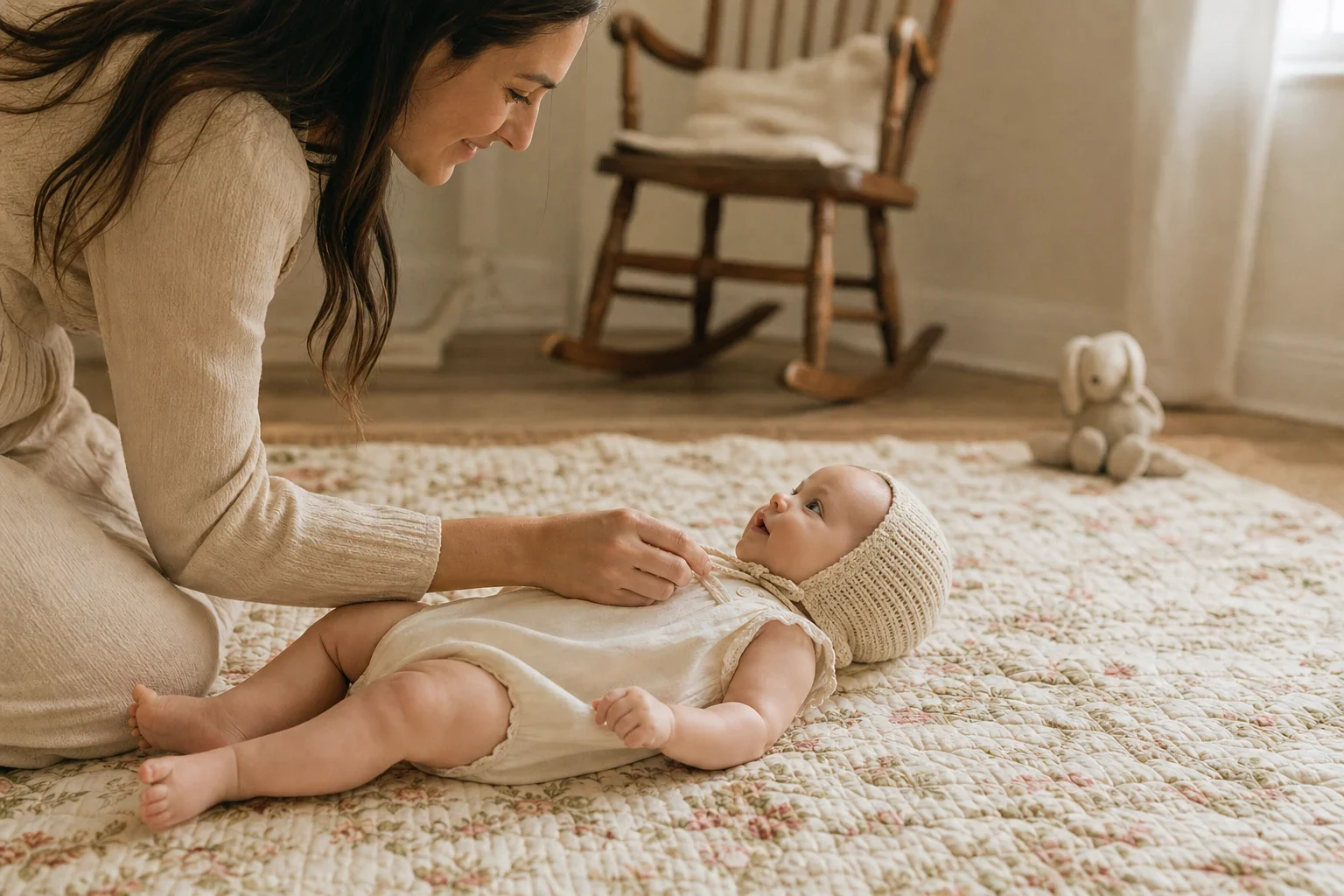
Creating vintage-style baby photos is a great way to capture the timeless charm of your little one's early days. With AI, you can get this look without a professional photographer or studio. Here's how to do it step by step.
Choose the Right Photos
Pick clear, well-lit photos
Start with photos where your baby is the main focus. Good lighting helps the AI capture all the details for the vintage effect.
Opt for simple backgrounds
A clutter-free background makes the vintage effect pop. Plain walls or a simple blanket work best, keeping the focus on your baby.
Include close-up shots for detail
Close-ups of your baby's face or tiny features add a nostalgic touch with vintage effects.
Select a Vintage Theme
Browse AI themes like 'Classic Portrait' or 'Old World Charm'
These themes give your photos a timeless vintage feel. You might also like our Woodland Fairy Baby Photoshoot theme for a whimsical twist.
Consider sepia or black-and-white effects
These classic choices add a vintage vibe. Sepia tones warm up the photo, while black-and-white keeps it simple and elegant.
Add subtle textures for an aged look
Some themes include textures that mimic old photo paper or light wear, perfect for an authentic vintage feel.
Upload and Process with AI
Upload your chosen photos to the AI tool
Select the photos you've prepared from your phone or computer. No professional gear needed.
Select your preferred vintage theme
Pick from the available vintage styles to find the best fit for your baby's photos.
Let the AI do its job—usually just a few minutes
The AI processes your photos, applying the vintage effect you've chosen. It's quick and straightforward.
Save and Share Your Vintage Masterpieces
Download the AI-styled photos
Once processed, save your vintage-style baby photos to your device.
Share digitally with family and friends
These photos are ideal for social media or sending directly to loved ones.
Use them for personalized cards or storybooks
Consider using your vintage baby photos for photo cards or a personalized storybook for a unique keepsake.
Ready to Create Your Vintage Baby Photos?
Try Family Pictures AI and see how easy it is to add a touch of nostalgia to your baby's photos. Sign up now to get started.
Frequently Asked Questions
Can I create vintage baby photos without a professional photographer?
Yes. With AI, you can get professional-looking vintage baby photos using just your phone photos, no photographer needed.
What types of vintage effects can I apply to baby photos?
You can choose from effects like sepia, black-and-white, or themed options like 'Classic Portrait' for a timeless vintage feel.
How long does it take to get the AI-styled vintage photos?
Processing usually takes just a few minutes after you've uploaded your photos and picked your vintage theme.
Can I use my phone photos for the vintage look?
Yes, the AI tool works well with ordinary phone photos, as long as they're clear and well-lit.
Are there any tips for choosing the best photos for a vintage effect?
Go for photos with simple backgrounds and good lighting. Close-up shots of your baby's face or details work especially well.
Can I combine vintage effects with other AI styles?
While you can't layer effects, you can explore different themes that mix vintage with other styles, like our [Cherry Blossom Newborn Photoshoot](/baby-photos/cherry-blossom) for a floral vintage look.