How to Restore Old Photos with Creases Using AI
Restoring old photos with creases is easy with AI. Just digitize your photo, upload it to a tool like Family Pictures AI, and let the AI remove creases and enhance the image. No special skills or equipment needed.
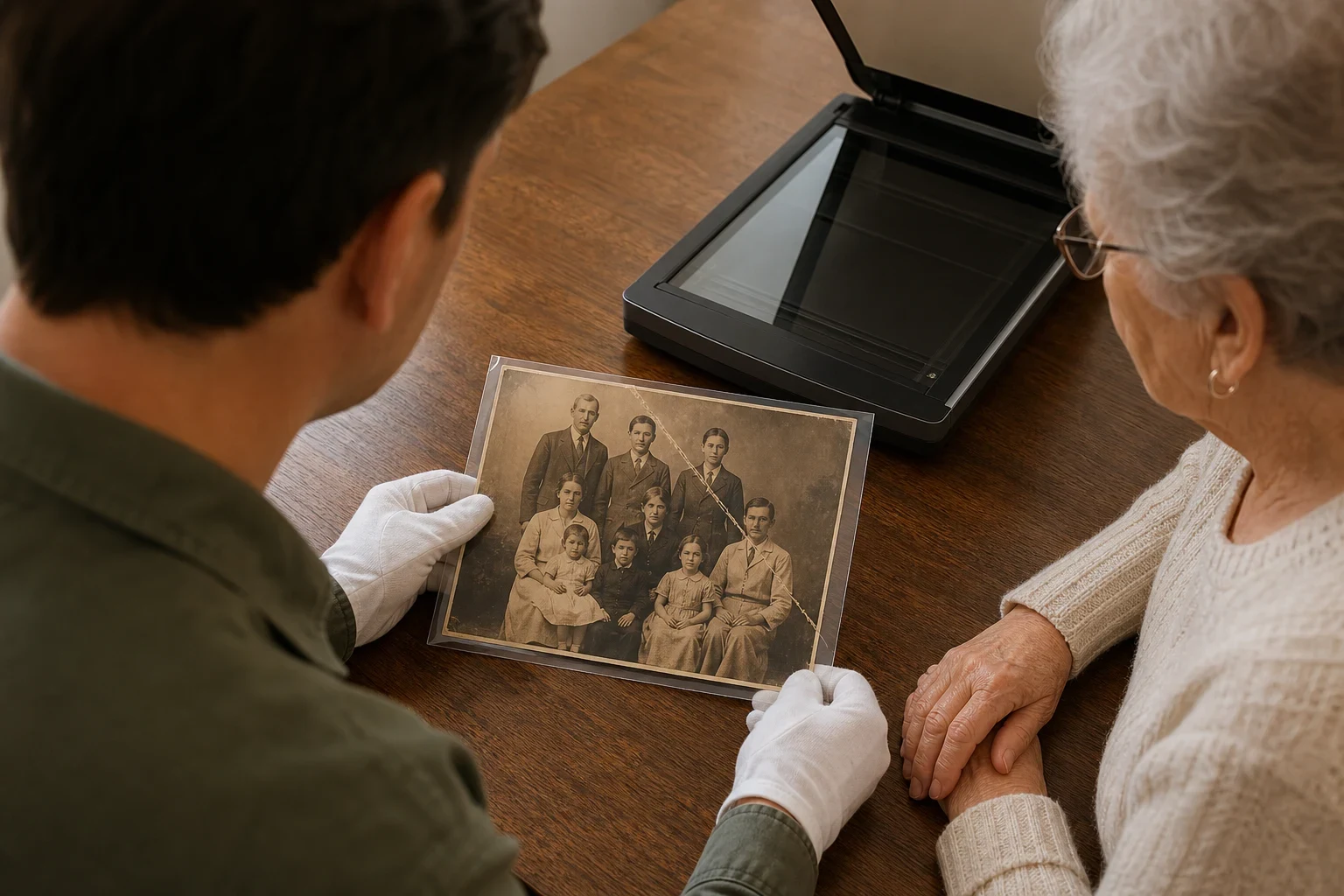
Old photos hold precious memories, but creases can make them look worn and damaged. AI can help restore these photos to their former glory. Here’s how to restore old photos with creases using AI.
Gather Your Old Photos
Identify photos with creases
Sort through your old photos and pick out the ones with creases. Look for folds, wrinkles, or any other physical damage that affects the image.
Ensure photos are clean and free of dust
Gently clean the photos with a soft, dry cloth to remove dust or debris before digitizing. Avoid using liquids or harsh materials that could cause more damage.
Digitize Your Photos
Use a scanner or smartphone to capture high-quality images
A flatbed scanner gives the best results, but a smartphone with a good camera works too. Place the photo on a flat surface and make sure it’s well-lit.
Ensure proper lighting and focus
Use natural light or a soft, indirect light source to avoid glare. Keep the photo in focus and capture the entire image without shadows.
Upload Photos to an AI Restoration Tool
Choose a reliable AI photo restoration service
Go with a trusted service like Family Pictures AI that specializes in restoring old photos. These tools are made to handle creases and other damage.
Upload your digitized photos
Once you’ve picked a tool, upload the digitized photo. Most services make this easy—just follow the on-screen instructions.
Apply AI Restoration
Select the crease removal option
Find an option that targets creases or general damage. The AI will analyze the photo and smooth out the creases.
Let the AI process and enhance your photos
The AI will do its job, usually in a few minutes. It doesn’t just remove creases—it can also improve colors and sharpen details.
Review and Save Your Restored Photos
Check the results for any remaining imperfections
After processing, look over the restored photo. If some creases are still there, you might need to adjust the settings or try another tool.
Save the restored photos in high resolution
When you’re happy with the results, save the photo in the highest resolution available. This lets you print or share it without losing quality.
Ready to Restore Your Photos?
Try Family Pictures AI and bring your old photos back to life. It’s a simple way to keep your family’s cherished memories safe.
Frequently Asked Questions
Can AI completely remove creases from old photos?
AI can greatly reduce or remove creases, but results depend on the photo's condition. Some minor imperfections might stay.
Is it safe to use AI for restoring delicate old photos?
Yes, AI restoration is safe for delicate photos because it works on digital copies, not the original.
How long does it take to restore a photo with creases?
It usually takes just a few minutes, depending on the tool and the photo's complexity.
Do I need any special equipment to digitize my old photos?
No, a smartphone with a good camera or a basic scanner is all you need.
What should I do if the AI doesn’t remove all the creases?
Try adjusting the settings or using a different tool. Some photos might need a bit of manual touch-up.
Can I restore color to black-and-white photos with creases?
Yes, many AI tools can remove creases and add color to black-and-white photos at the same time.