Professional-Looking Family Photos Using Just Your Phone Camera
You can take professional-looking family photos with just your smartphone by choosing a well-lit location, setting up your camera properly, posing your family naturally, taking multiple shots, and doing some simple edits. No fancy equipment needed!
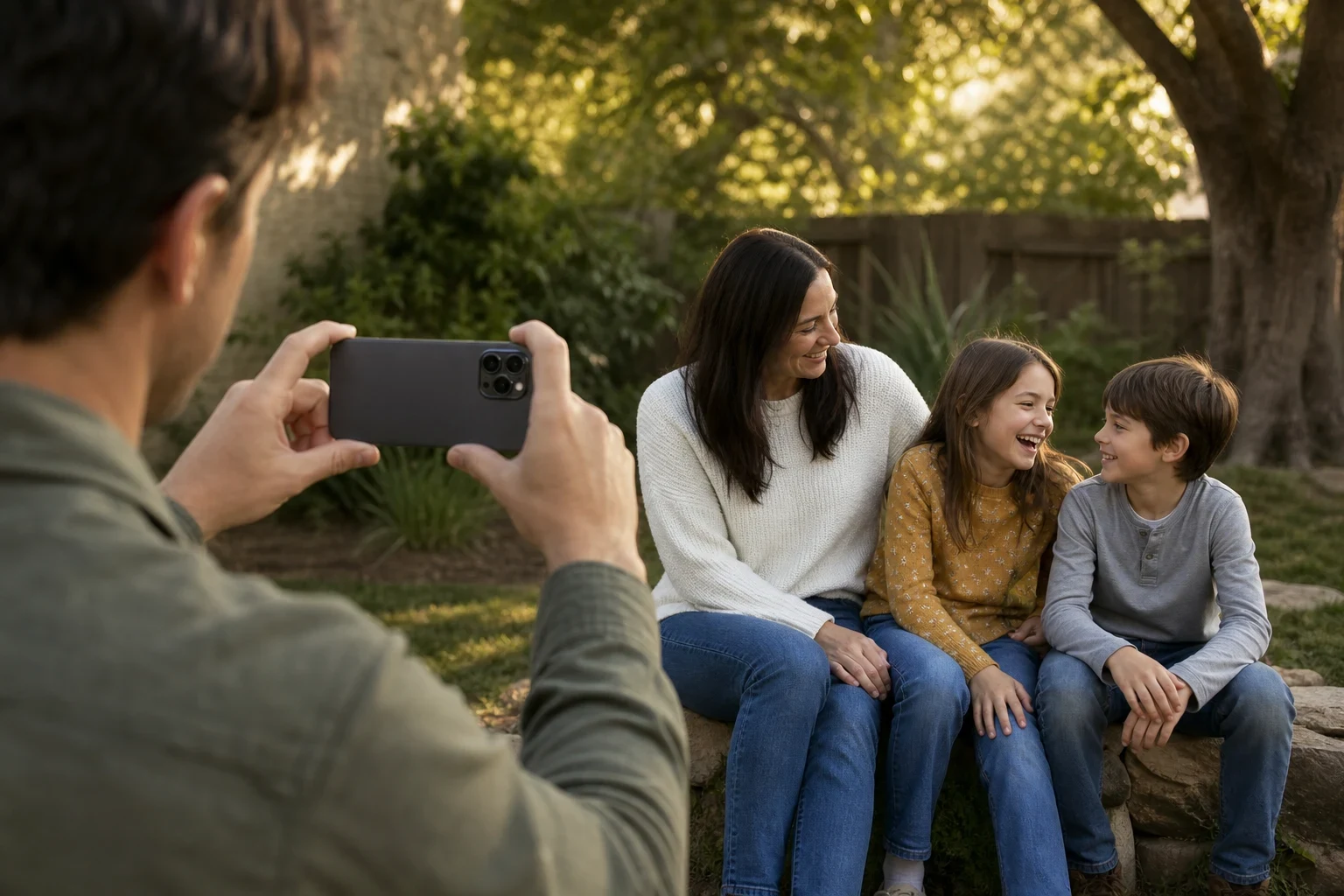
You can still get great family photos with just your smartphone. A few simple tricks will help you capture images that look pro. Here's how to nail those family shots using only your phone.
Gather Your Family and Choose the Right Location
Find a spot with good natural light
Natural light is your best friend in photography. Look for soft, diffused light—think under a tree or by a large window. Steer clear of direct sunlight to avoid harsh shadows.
Avoid cluttered backgrounds
A clean background keeps the focus on your family. Plain walls, open fields, or tidy indoor spaces work best. Quick tip: declutter the area before you start snapping.
Consider the time of day for soft lighting
The golden hour—right after sunrise or before sunset—gives the most flattering light. No golden hour? An overcast day also provides soft, even lighting.
Set Up Your Phone Camera for the Best Shots
Clean your phone lens
A smudged lens can mess up your photos. Wipe it gently with a soft cloth before you begin.
Use the grid feature for better composition
Turn on grid lines in your camera settings to nail the rule of thirds. Place your family at one of the intersections for a balanced look.
Adjust exposure manually if needed
Tap on your family's faces to set focus, then swipe up or down to tweak exposure if the shot's too dark or bright.
Pose Your Family Naturally
Encourage natural interactions
Skip the stiff poses. Get your family to hug, laugh, or play together for genuine moments.
Use props or activities to keep kids engaged
Balloons or favorite toys can keep kids happy. Simple games or blowing bubbles often lead to great candid shots.
Try different angles for variety
Shoot from eye level, but don't stop there. Get low or shoot from above for fresh perspectives.
Take Multiple Shots and Review Them
Capture candid moments
The best photos often happen between poses. Keep snapping during those natural moments.
Check for blurry or poorly lit photos
Review shots as you go to ensure they're sharp and well-lit. Delete any that don't cut it.
Use burst mode for active kids
With energetic kids, burst mode increases your chances of catching that perfect shot.
Edit Your Photos for a Polished Look
Use built-in editing tools
Start with your phone's editing tools before jumping to advanced apps.
Adjust brightness and contrast
Small tweaks here can make your photos look way more professional.
Crop for better composition
Cropping out distractions can significantly improve your photo's balance.
Share and Preserve Your Memories
Back up your photos
Don't lose those precious memories. Use cloud storage or an external hard drive for backups.
Create digital albums
Organize favorites into digital albums for easy sharing and enjoyment.
Consider AI enhancements for a professional touch
Want to level up? Try AI tools like our baby photoshoot themes or family portrait combiner to give your phone photos a pro finish.
Try Family Pictures AI Today
Ready to turn your phone photos into keepsakes? Sign up now to try Family Pictures AI and see the difference it makes for your family memories.
Frequently Asked Questions
What's the best time of day to take family photos with a phone?
The golden hour—shortly after sunrise or before sunset—provides the most flattering light. Overcast days also work well because they offer soft, even lighting without harsh shadows.
How can I make my family photos look more professional?
Pay attention to lighting, keep backgrounds simple, and use your phone's editing tools to adjust brightness and contrast. For an extra professional touch, consider using AI tools like our [baby photoshoot themes](/baby-photos).
What are some easy poses for family photos?
Instead of stiff poses, encourage natural interactions like hugging, holding hands, or playing together. With kids, try having them sit on a parent's lap or give them a prop to hold.
How do I avoid blurry photos when taking pictures of my kids?
Use burst mode to capture multiple shots quickly, and make sure you're in a well-lit area so your phone can use a faster shutter speed. Tap to focus on your child's face before taking the photo.
Can I edit phone photos to look like they were taken by a professional?
Yes! Start with your phone's built-in editing tools, then consider using AI enhancements. Our [family portrait combiner](/make-family-pictures) can help merge separate photos into one professional-looking image.
What's the best way to back up family photos?
Use a combination of cloud storage (like iCloud or Google Photos) and an external hard drive. This gives you multiple copies in case one backup fails.