How to Use AI for Family Photo Editing
AI can help you spruce up family photos in a snap: gather good photos, choose an AI tool for baby shoots or old photo fixes, upload and tweak, then check and save your polished images. No pro skills required—just your photos and a little time.
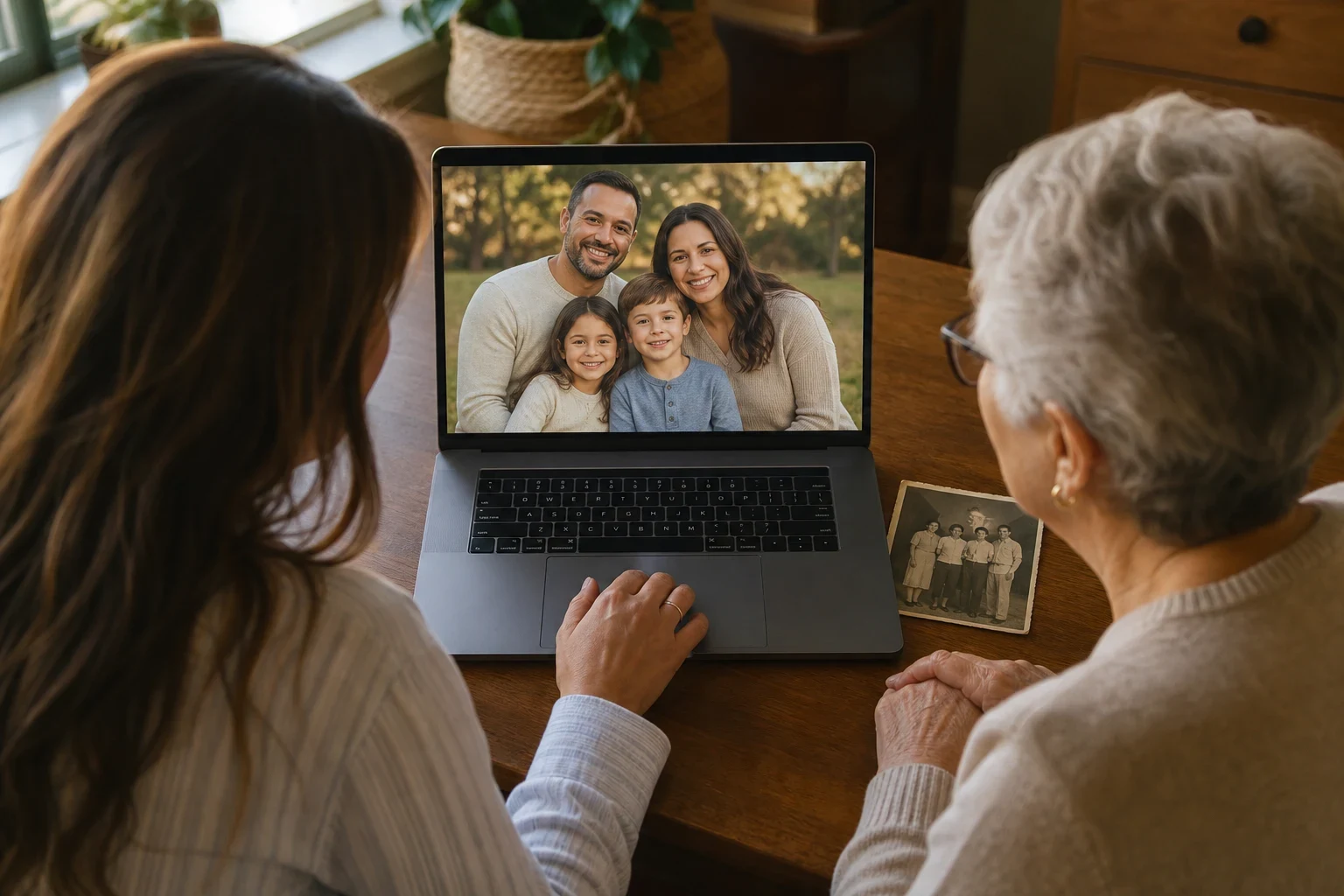
Family photos capture moments we cherish, but sometimes they don't turn out as we'd hoped. Maybe the lighting was off, or the little ones were too wiggly. AI can help turn those everyday shots into keepsakes without needing a pro photographer or fancy gear. Here's a simple guide to using AI for editing your family photos.
Gather Your Photos
Start with clear, well-lit photos for the best outcome
AI works best with photos where faces are clear and the lighting's good. While it can fix blurry or dark images, you'll get better results from a sharp original. If you're aiming for a specific look, like a Woodland Fairy Baby Photoshoot, choose photos that match the theme closely.
Sort photos by theme or person when editing several
Editing a bunch of photos at once? Maybe for a personalized storybook or to blend separate shots into one family picture? Organizing them by person or theme first saves time and hassle.
Pick Your AI Editing Tool
Decide between baby photoshoots or restoring old photos
AI offers a range of options for family photos. Turn a simple baby pic into a Moon & Stars Newborn Photoshoot, or bring an old family photo back to life with old photo restoration. Know your goal before picking a tool.
Think about the style or mood you want
Some AI tools let you choose styles or themes. Want a Cherry Blossom Newborn Photoshoot or a Sleepy Teddy Bear look for your baby's photos? The style you pick can completely change the vibe.
Upload and Tweak
Upload your chosen photos to the AI tool
Once you've picked a tool and your photos, uploading is usually simple. Just select the pics from your device and upload them. For merging separate photos into one, like with Make family pictures, you'll upload each person's photo one by one.
Play with settings or styles to get the look you want
After uploading, you might have options to tweak settings or pick styles. This could mean choosing a theme for a baby photoshoot or adjusting colors in an old photo. Spend a little time here—it can really shape the final image.
Check and Save
Take a look at the AI-edited photos
Before you commit, you'll usually get to preview the edited photo. Check it to make sure it looks right. If something's off, most tools let you make adjustments before saving.
Do any last-minute fixes before downloading
Not 100% happy? See if you can fine-tune the settings. Maybe the colors need a tweak, or the theme's not quite right. Once you're satisfied, download your edited photo to share or print.
Ready to Give AI Photo Editing a Go?
Using AI to edit family photos is easier than you'd think. Whether sprucing up old memories or making new ones, AI tools can give you pro-level results without the fuss. Sign up today and start making your family photos shine.
Frequently Asked Questions
Can AI really make my blurry family photos look better?
AI can sharpen up blurry photos, making details clearer. It might not fix everything, but you'll often see a real improvement over the original.
How do I pick the right AI editing tool for what I need?
Think about your goal—whether it's a themed baby shoot, fixing old photos, or merging separate images. Different tools are good at different things, so choose one that fits.
Is uploading family photos to AI services safe?
Good AI services take your privacy seriously. Always peek at their privacy policy to see how they handle your photos.
Can AI put separate family photos together into one?
Yep, AI can blend people from different photos into one family picture that looks natural. Tools like [Make family pictures](/make-family-pictures) are made for this.
What kinds of edits can AI do on family photos?
AI can handle lots of edits, from themed baby shoots and restoring old photos to guessing what a baby might look like in the future and making custom storybooks.
Do I need to be tech-savvy to use AI for photo editing?
Not at all. AI photo tools are built to be easy, walking you through the process with straightforward steps.