Enhancing Baby Photos with AI: No Professional Camera Needed
Enhance baby photos from your phone using AI by uploading clear, well-lit images to an AI tool, picking a style or theme, and downloading the enhanced results. No professional camera or photography skills are needed.
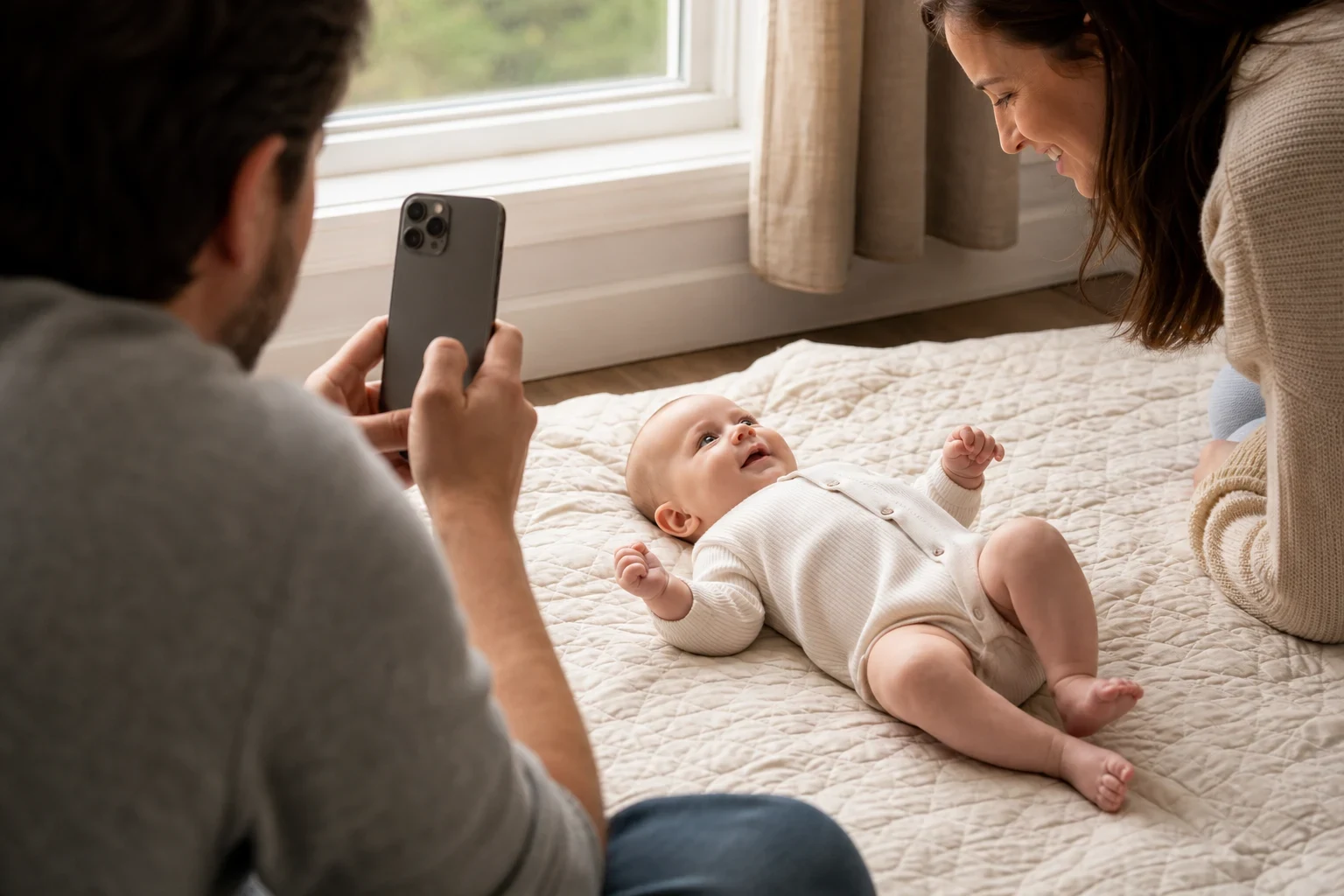
You don't need a pro camera or studio to capture your baby's special moments. With AI, you can turn simple phone photos into beautiful keepsakes. Here's how to do it step by step.
Gather Your Baby Photos
Start by picking the photos you'd like to enhance. Here's what works best:
Choose clear, well-lit photos
Natural light is ideal, but any photo where your baby's face is clear will do. Try to avoid shadows on their face.
Select photos with your baby looking at the camera
Photos where your baby's looking straight or smiling usually turn out best after enhancement.
Avoid blurry or overly dark images
AI can fix some issues, but starting with a good photo gives you the best outcome.
Upload Photos to the AI Tool
After selecting your photos, upload them.
Navigate to the AI photo enhancement tool
Head to the AI tool's website or open the app to begin.
Upload your selected baby photos
You can drag and drop your photos or pick them from your device.
Ensure photos are properly aligned and centered
Some tools work better if the photo's centered and your baby's face is clearly in view.
Choose Your Enhancement Style
Now comes the fun part—deciding how you want your photos enhanced.
Choose a supported theme
Family Pictures AI offers themed baby photoshoots, including seasonal and imaginative styles. Browse the available themes and choose the one that best fits your source photos.
Review the generated result
Once processing finishes, check the generated portrait closely and decide whether the theme suits the moment you want to preserve.
Customize the enhancement to suit your preference
Adjust the effect's strength or make small changes to get the look you like.
Download and Share Your Enhanced Photos
When you're happy with the result, save and share it.
Save the enhanced photos to your device
Download the photos to your phone or computer to keep them safe.
Share with family and friends
Send the photos through text, email, or social media to show off your baby's new look.
Use in digital keepsakes
Use the enhanced photos for personalized storybooks or photo cards.
Try It Yourself
Want to see what AI can do with your baby's photos? Sign up for Family Pictures AI and start enhancing your memories today.
Frequently Asked Questions
Can AI really make my phone photos look professional?
AI can improve phone photos by adjusting lighting, sharpness, and applying styles that give them a professional look.
What kind of baby photos work best with AI enhancement?
Clear, well-lit photos where your baby's looking at the camera work best. Blurry or very dark images won't give the best results.
Is there a limit to how many photos I can enhance?
It depends on the tool. Many offer free credits to start, with ways to get more if you need them.
How long does it take to enhance a photo with AI?
It usually takes just a few minutes, depending on the effect you're using.
Can I use AI to enhance old baby photos?
Yes, AI tools can fix and improve old photos, even adding color to black-and-white ones.
Do I need any special equipment to use AI photo tools?
No special equipment is needed—just your phone photos and access to the AI tool online or through an app.