Restore Faded and Yellowed Family Photos with These Steps
You can restore faded and yellowed family photos by digitizing them, then using photo editing software or an AI tool like Family Pictures AI to correct colors, sharpen details, and repair damage. Start by carefully scanning or photographing your old photos to create high-quality digital copies.
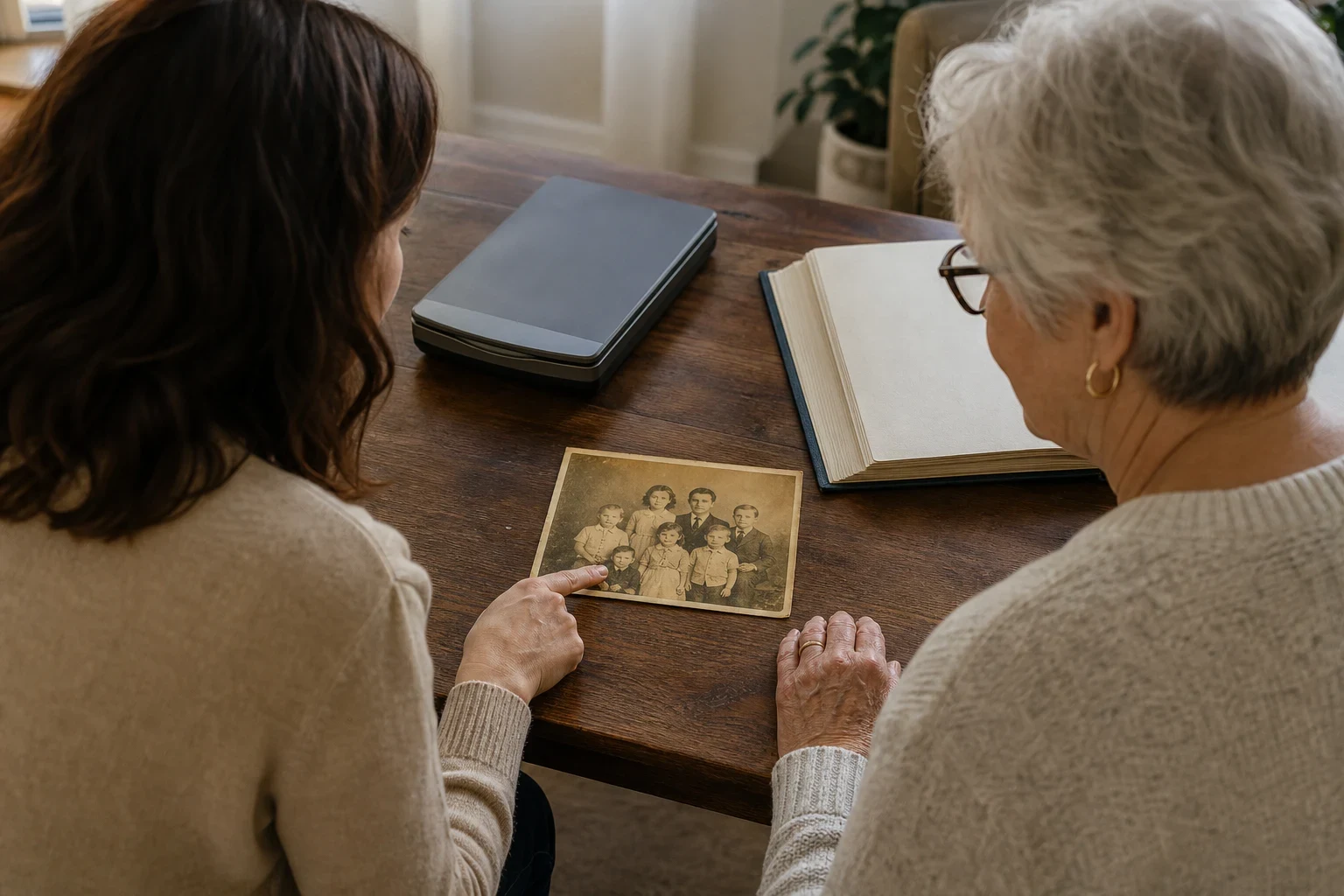
Old family photos often fade or turn yellow over time, but with the right tools and techniques, you can bring them back to life. Whether it's a single cherished snapshot or an entire album, these steps will guide you through the restoration process.
Gather Your Tools and Photos
What you'll need: a scanner or smartphone, photo editing software or an AI tool
Start with a scanner or a smartphone with a good camera. For software, you can choose from basic free programs to advanced tools like Family Pictures AI, which uses AI to restore old photos.
How to safely handle fragile old photos
Hold old photos by the edges to avoid fingerprints, and lay them flat on a clean surface. If they're stuck together, don't force them apart—consult a professional conservator to prevent damage.
Digitize Your Photos for Restoration
Best practices for scanning old photos
Use a flatbed scanner set to at least 600 dpi and save files as TIFF or PNG to keep quality high. Place photos face down, close the lid gently, and make sure the scanner glass is clean to avoid dust spots.
Using your smartphone to capture high-quality digital copies
If you're using a smartphone, take photos in natural light without flash to reduce glare. Position the camera directly above the photo to avoid distortion, and use a plain, dark background to help the photo stand out.
Correct Color and Remove Yellowing
Adjusting color balance to neutralize yellow tones
In your editing software, use color balance or white balance tools. Adjust the sliders to remove yellow tints, aiming for a neutral tone that looks natural.
Enhancing faded colors without oversaturating
Boost vibrancy or saturation slightly to bring back faded colors, but don't overdo it. The goal is to restore the photo's original look, not to make it artificially vivid.
Sharpen and Repair Damaged Areas
Fixing tears and scratches digitally
Use cloning or healing tools to repair small tears and scratches. Work slowly and zoom in for precision, blending repairs with the surrounding areas.
Using AI tools for automatic restoration
AI tools like Family Pictures AI can automatically detect and repair damage, saving you time. They're especially useful for complex repairs that would take a long time to do manually.
Save and Share Your Restored Photos
Choosing the right file format for preservation
Save your restored photos in a lossless format like TIFF or PNG for archiving. For sharing online or printing, JPEG is usually fine, but keep a high-quality master copy.
Creative ways to display and share your restored memories
Consider making a personalized storybook or photo cards with your restored images. They make heartfelt gifts and are a beautiful way to keep family memories alive.
Ready to Restore Your Family Photos?
Try Family Pictures AI to easily restore your old family photos with AI. It's a simple way to bring your cherished memories back to life without needing professional skills.
Frequently Asked Questions
Can I restore a photo that's almost completely faded?
Yes, even heavily faded photos can often be improved. AI tools can sometimes recover details that aren't visible to the naked eye, but results vary depending on the original photo's condition.
What's the easiest way to remove yellowing from old photos?
Using an AI tool like [Family Pictures AI](/past-images) is the easiest way, as it automatically adjusts colors. If editing manually, adjust the white balance or use a color correction tool to neutralize yellow tones.
Do I need expensive software to restore my family photos?
No, there are free and affordable options available. Basic edits can be done with free software, while AI tools offer more advanced restoration without the need for expensive professional programs.
How can I prevent my photos from fading further?
Store photos in a cool, dry place away from direct sunlight. Digitizing them also ensures you have a backup that won't degrade over time.
Is it possible to restore photos that are torn or have missing pieces?
Yes, digital tools can reconstruct missing areas using surrounding details. AI can be particularly effective at guessing what the missing parts might have looked like.
How does AI photo restoration work compared to manual editing?
AI analyzes the photo to automatically repair damage and adjust colors, saving time. Manual editing gives you more control but requires more skill and time to achieve similar results.