Restoring Vintage Wedding Photos with AI: A Simple Guide
The best AI tools for restoring vintage wedding photos can repair damage, improve quality, and even colorize black-and-white images. Look for features like scratch removal and color correction, and choose a tool that works with your photo formats.
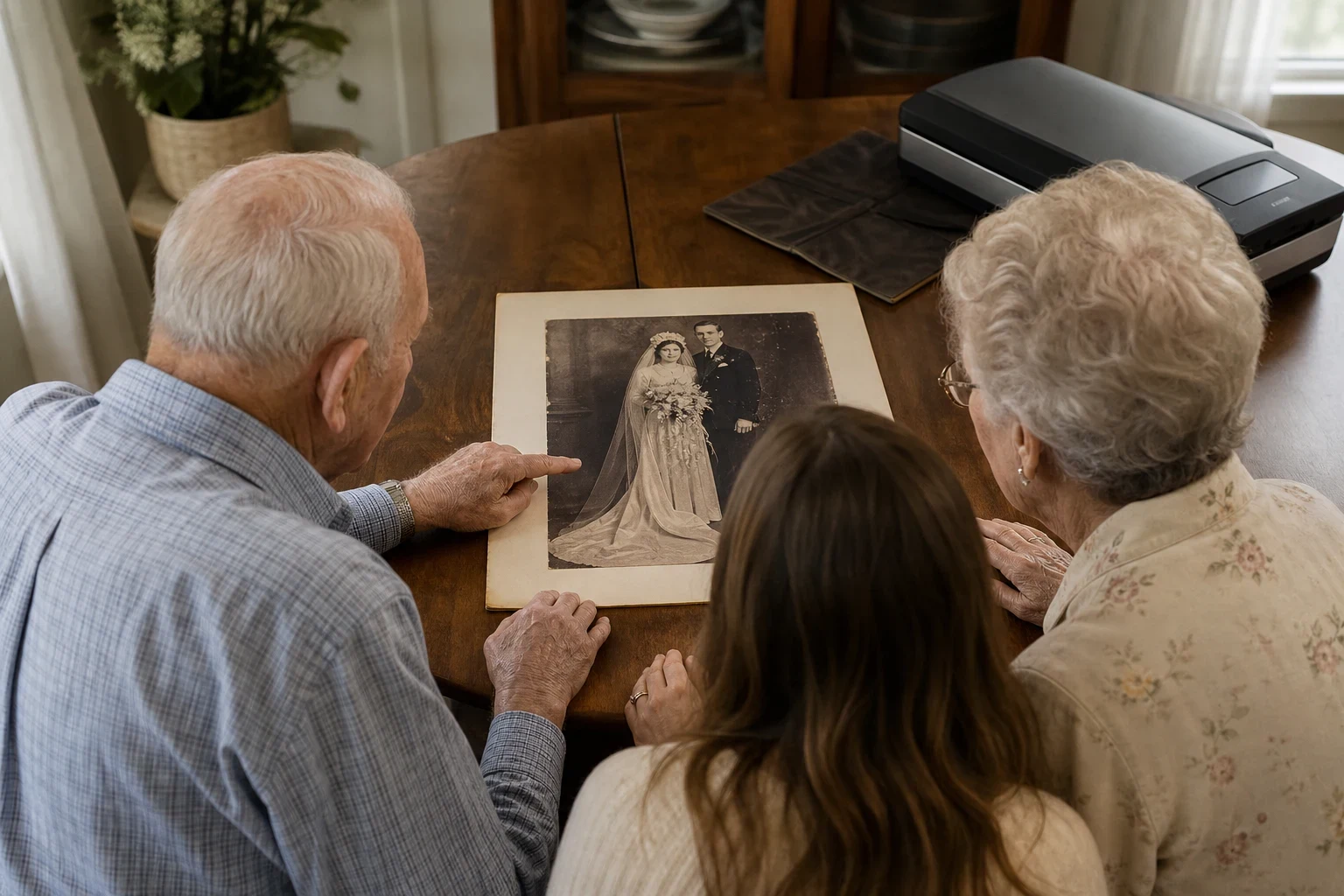
Restoring vintage wedding photos can bring back the magic of your special day or preserve cherished memories for future generations. AI tools make it easy to repair damage, improve quality, and even add color to black-and-white photos—no professional skills needed. Here’s how to get started.
Gather Your Vintage Wedding Photos
Locate the photos you want to restore
Find the wedding photos you’d like to restore. They could be physical prints in albums or digital scans you’ve saved. Handle physical photos carefully to avoid more damage.
Check for physical damage before scanning
Inspect your photos for tears, creases, or fading before scanning. If the damage is bad, you might need to pick which photos to restore first. A high-resolution scan gives the AI more detail to work with.
Choose the Right AI Tool for Restoration
Look for features like damage repair and colorization
Pick an AI tool with features like scratch removal, stain correction, and colorization. Our old photo restoration tool handles these tasks well.
Ensure the tool works with your photo formats
Check that the tool supports your photo formats, whether they’re JPEG, PNG, or TIFF. Most tools accept common formats, but it’s smart to double-check.
Upload and Process Your Photos
Follow the tool's instructions for uploading
After choosing your tool, upload your photos as directed. Some let you drag and drop files, while others have a browse button.
Select restoration options like colorize or enhance
Once uploaded, you’ll see options like colorizing a black-and-white photo or enhancing quality. Choose what fits your needs and let the AI do its thing.
Review and Save Your Restored Photos
Check the results for accuracy
After processing, examine the results closely. Make sure colors look natural and damage is fixed. If something’s off, tweak the settings and try again.
Save the restored images in high quality
When you’re satisfied, save the restored images in the highest quality. They’ll look great whether you print them or share them online.
Give It a Try
Ready to restore your vintage wedding photos? Sign up for Family Pictures AI and start bringing your memories back to life today.
Frequently Asked Questions
How does AI restore old wedding photos?
AI analyzes the photo to identify and repair damage like scratches, stains, and fading. It can also enhance details and even add color to black-and-white images.
Can AI add color to black and white wedding photos?
Yes, many AI tools can colorize black-and-white photos by predicting realistic colors based on the image's content and historical context.
What types of damage can AI fix in vintage photos?
AI can fix common issues like scratches, stains, creases, fading, and even missing parts of the photo by reconstructing the image.
Is AI photo restoration better than manual restoration?
AI is faster and more accessible for most people, but manual restoration by a professional might be better for extremely damaged photos.
How long does it take to restore a photo with AI?
It usually takes just a few minutes, depending on the tool and the complexity of the restoration needed.
Are there any free AI tools for photo restoration?
Some tools offer free trials or limited free credits, but full-featured restoration often requires a paid plan.